Type sorting
Review file categories and organize files into type-based folders with preview-first workflows.
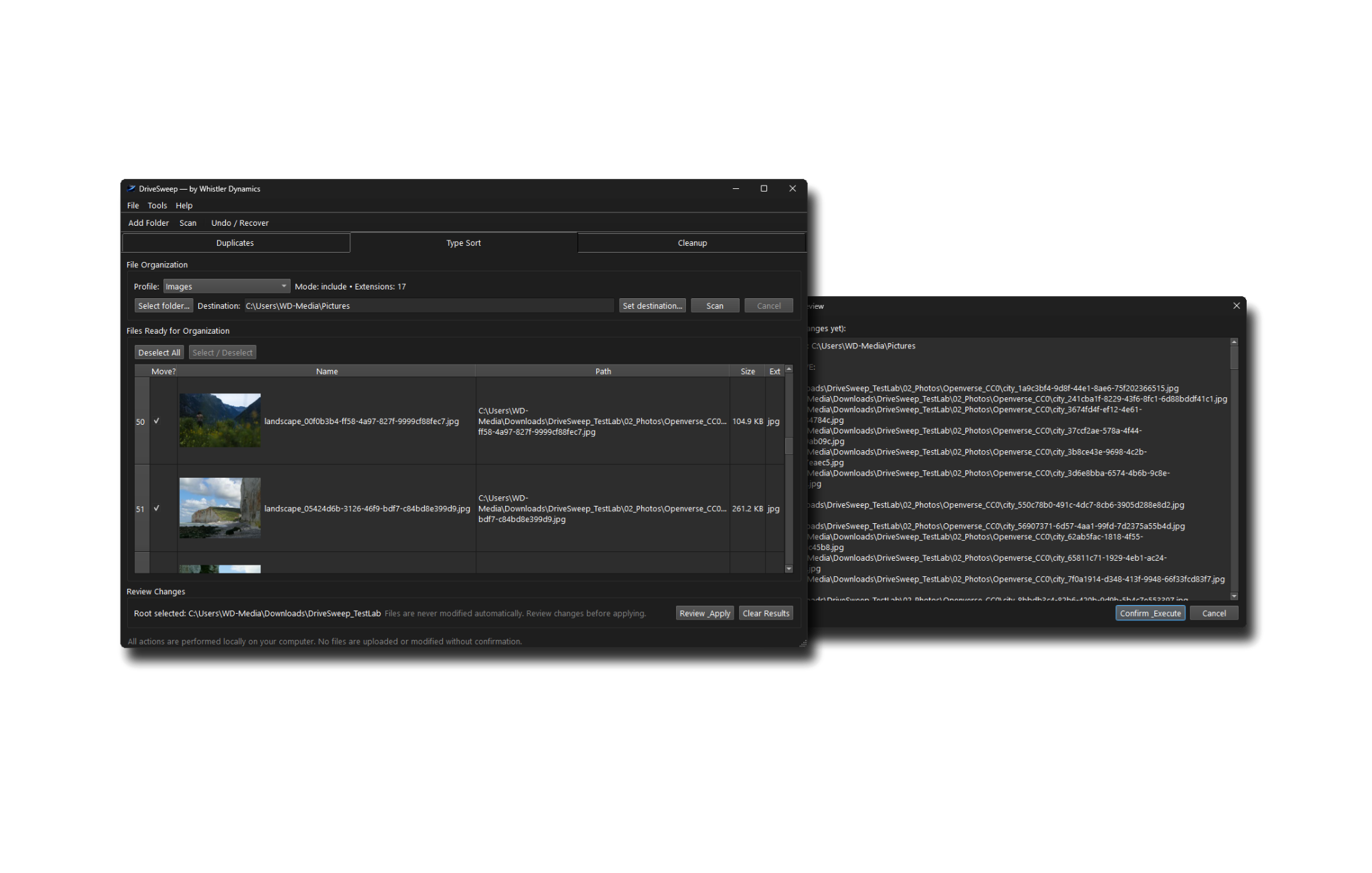

DriveSweep is a local Windows utility for reviewing, organizing, and safely cleaning files on your own computer. It helps you sort files by type, review duplicate groups, quarantine duplicates recoverably, and remove empty folders after cleanup.
Free to download and use: up to 50 file operations per session. No purchase or activation is required to start. Need unlimited use? A one-time license removes the session limit. Launch offer: 249 SEK including VAT for the first 500 seats; regular price 349 SEK including VAT.
Review file categories and organize files into type-based folders with preview-first workflows.
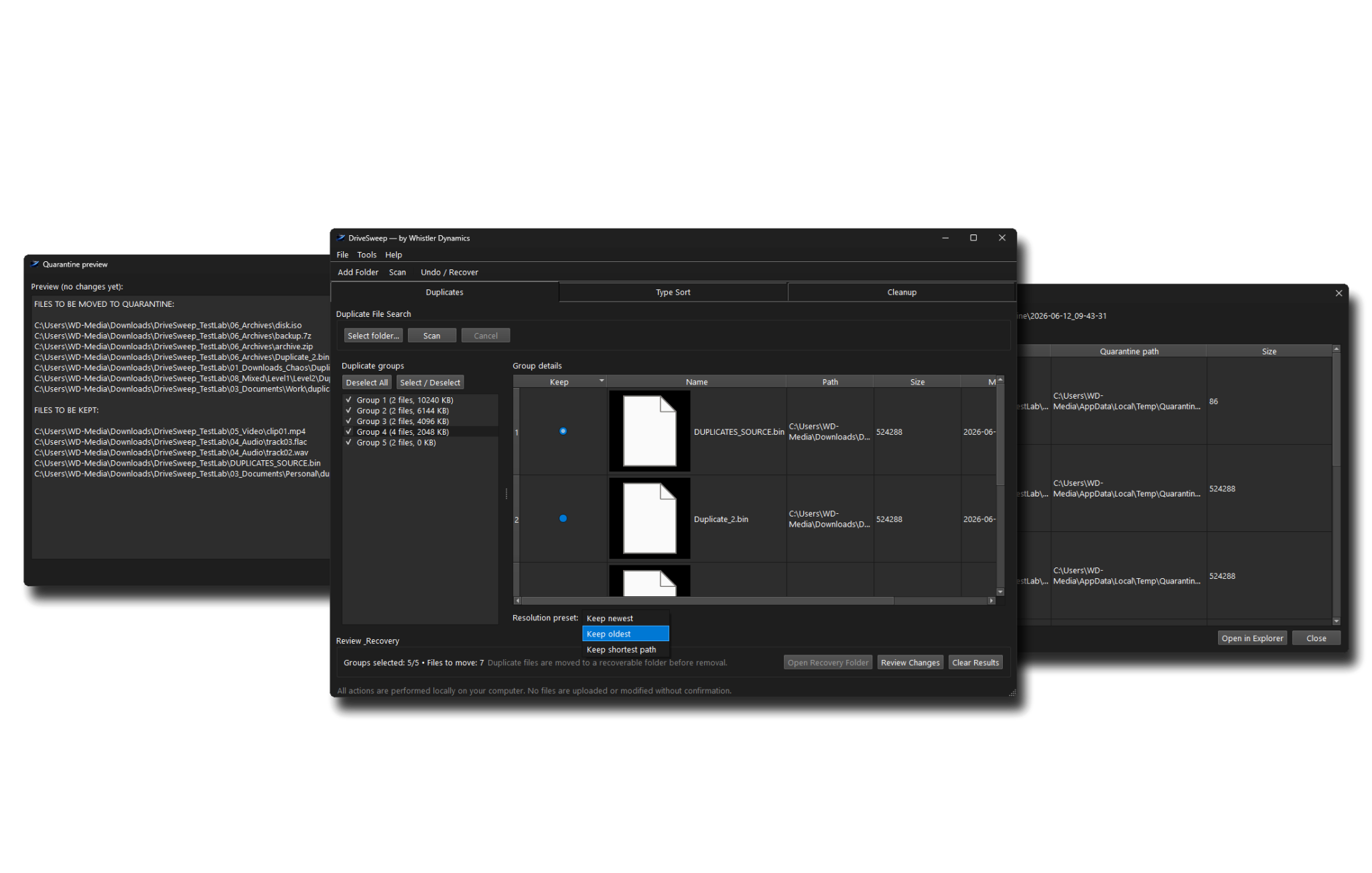
Scan duplicate groups, choose which file to keep, and move duplicate files into a recoverable folder before removal.
Remove empty folders after larger cleanup operations. Files inside folders are never deleted by this operation.
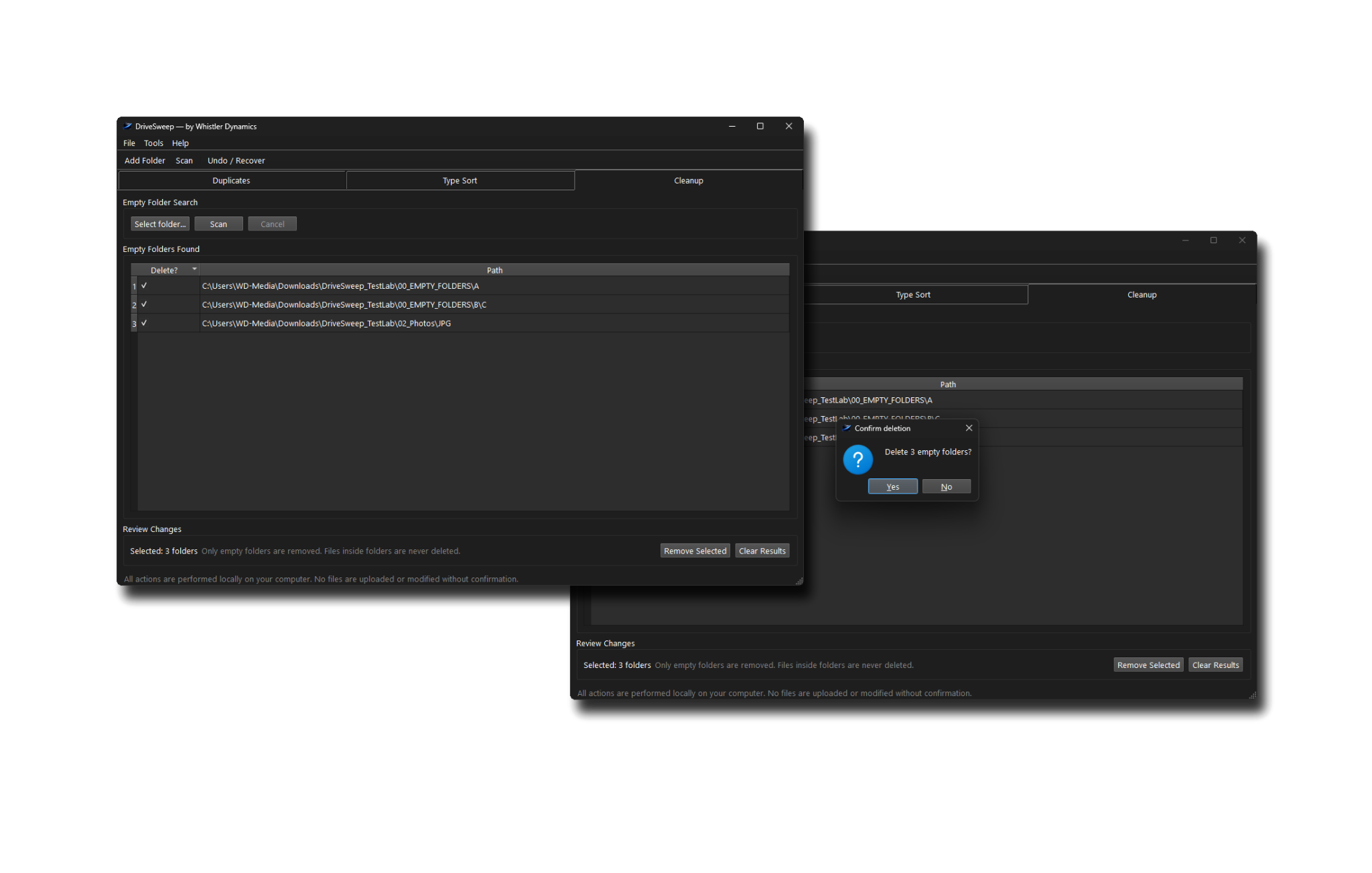
DriveSweep is intentionally cautious. It gives you previews, selections, and recovery-oriented workflows so cleanup stays under your control.
It is designed for people who want a clearer file system without handing their files to a cloud service or letting an automated cleaner make unexplained decisions.
DriveSweep works without a license for up to 50 file operations per session. No account, payment, or activation is required to start.
A purchased license removes the session limit. After purchase, DriveSweep sends a license email with a .dswlic file and backup license key. Open DriveSweep, go to Help → Activate DriveSweep, and import the license file.
For company purchases, increase quantity in Stripe Checkout to match the number of seats you need.
DriveSweep is designed around review-first cleanup, recoverable workflows, and user control. It does not replace careful judgment, regular backups, or responsible file handling.
Whistler Dynamics cannot take responsibility for data loss caused by user error, careless selection, rushing through review steps, lack of backups, system failure, malware, or other circumstances outside our control.
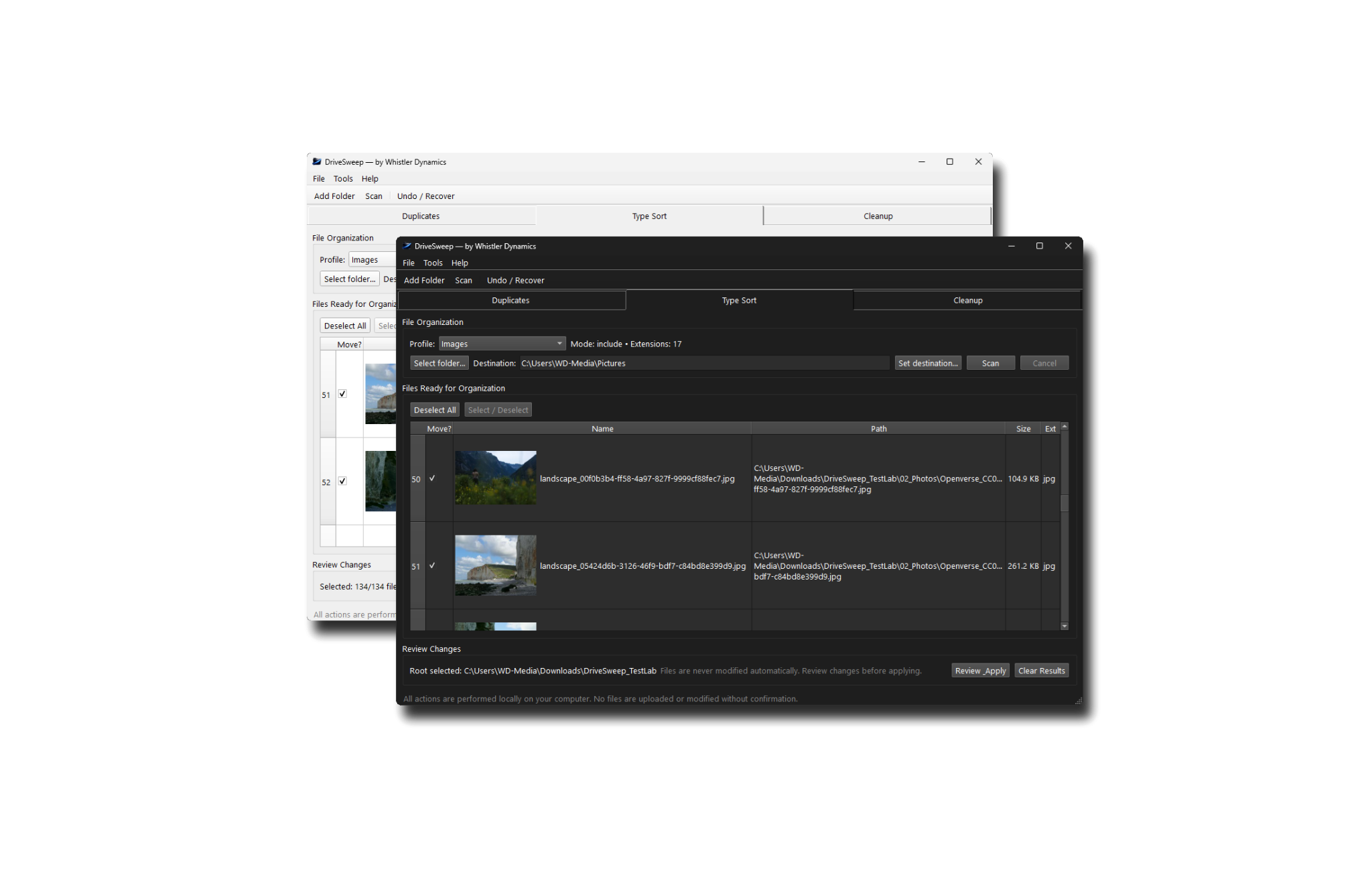
DriveSweep follows your Windows light or dark theme automatically, keeping the interface comfortable without extra setup.
DriveSweep is free to download and use for up to 50 file operations per session. Purchase a license only when you want unlimited use.
Current installer:
DriveSweep_Setup_v1.0.1.exe
SHA256:
06AED3EBD76202BEC975BABFF9B072F55BB7E642F8A68BC178717548728C00C1